In markets where mobile-first banking leads daily spending, the QIB Digital Credit Card removes branch visits and delivers instant, wallet-ready credentials.
Many searchers comparing a Liv Bank Credit Card for the UAE want a similarly fast, app-based flow in Qatar, and QIB meets that intent through full digital onboarding inside the QIB Mobile App.
Expect quick ID verification, an immediate virtual card, and one-tap provisioning to Apple Pay, Google Pay, or Samsung Wallet, so online and in-store payments start the same day. Clear fees, a profit-free grace period, and Absher reward points round out a practical, Sharia-compliant setup.
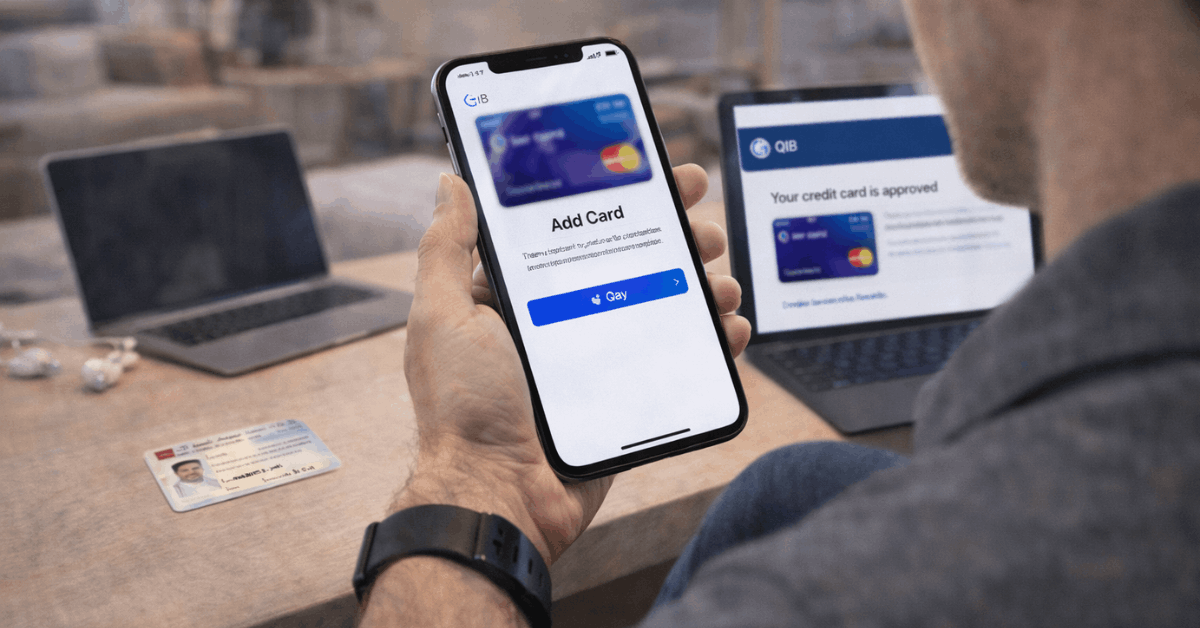
What QIB Digital Credit Card Is
QIB introduced Qatar’s first fully digital credit card to simplify access and shorten the time between approval and first purchase. The product lives entirely in the bank’s app, shows card details securely, and connects to your mobile wallet for contactless payments at supported terminals.
A physical card is optional for those who prefer plastic, although most daily uses work perfectly through Apple Pay, Google Pay, or Samsung Wallet.
Expect routine card controls in-app, including temporary lock, PIN services, spending alerts, and statement viewing. Earned Absher reward points accumulate on eligible spend and redeem across travel, vouchers, and utility payments through the bank’s channels.
Who Can Apply and What To Prepare
A short digital flow replaces traditional paper applications, but clean documentation still matters for fast approval. Submitting accurate identity details and matching contact information prevents rechecks and keeps the process within minutes.
Eligibility Requirements:
- Applicants should hold valid identification such as Qatari ID or passport and meet the bank’s affordability criteria based on income and obligations.
- Residency status and employer information may be required depending on profile and requested limit.
- Pre-approved customers see targeted offers inside the app based on internal eligibility models.
Documents And Checks:
- QID or passport scan and a quick selfie complete eKYC for new profiles that have not yet opened a QIB account.
- Salary proof or account conduct may be requested for limits beyond pre-approved thresholds.
- Contact number and email must be active to receive one-time passwords and alerts.
Common Rejection Triggers:
- Name mismatches between ID and app profile produce delays or declines until rectified.
- Unverifiable income, expired identification, or an incorrect mobile number typically stalls the OTP step.
- Exceeding internal exposure limits or failing affordability checks blocks issuance until circumstances change.
How To Apply Step By Step
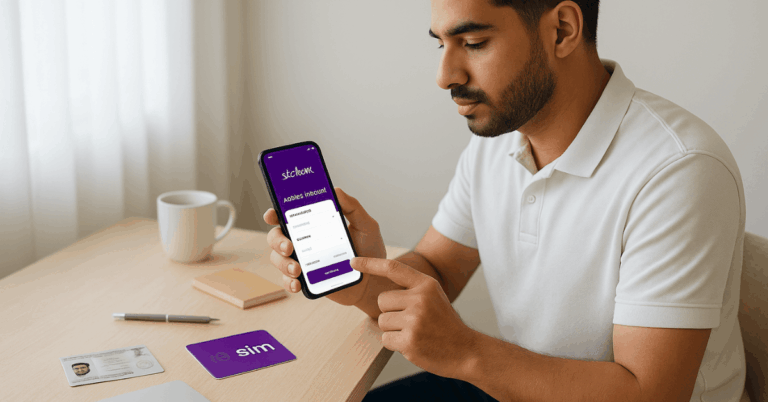
A few guided screens in the QIB Mobile App complete the application and deliver the digital card instantly.
- Download And Log In: Install the QIB Mobile App on iOS or Android, then sign in or register a new profile.
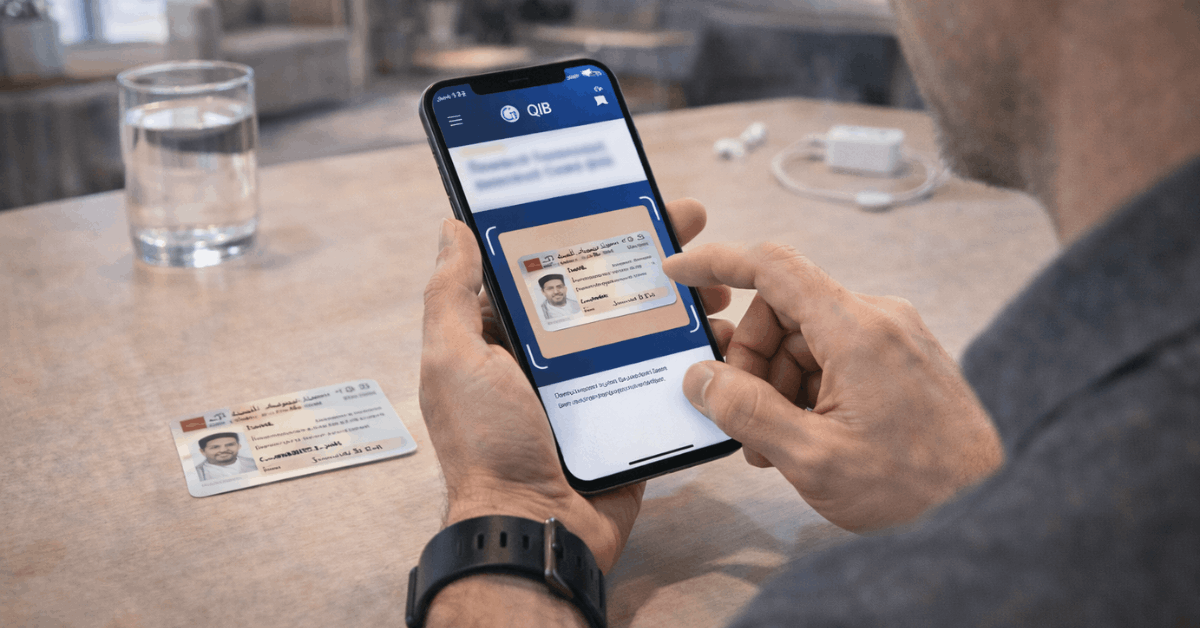
- Verify Identity Digitally: Scan a Qatari ID or passport and capture a selfie to finish onboarding if no account exists.
- Open The Offer: Tap the credit card offer pop-up on the home screen or enter the “My Offers” section to view eligibility.
- Customize And Confirm: Choose a card type, set the requested limit, enter the printed name, and review fees and key terms.
- Authorize And Activate: Enter the OTP sent to your registered mobile number, then view card details and add to your chosen wallet.
Features and Benefits That Matter
Instant issuance eliminates the typical wait for embossing and delivery. A virtual card appears in-app immediately after approval, enabling online payments and wallet provisioning at once.
Profit-free days up to the statement due date provide breathing room when balances clear on time. A minimum-payment option of 5 percent supports tighter months, while a Murabaha profit rate applies to carried balances according to disclosed pricing.
Absher reward points track eligible spend and convert into travel, vouchers, or utility bill redemptions. Complimentary airport lounge access at a defined network adds value for regional trips, and standard Visa or Mastercard benefits apply based on the chosen network.
Fees, Limits, Profit, and Charges
A compact set of charges governs daily use, currency conversion, and late behavior. Reading these items carefully prevents surprises and helps you optimize redemptions and repayment.
Fees And Ongoing Costs:
- Digital issuance and renewal carry no fees on the digital variant.
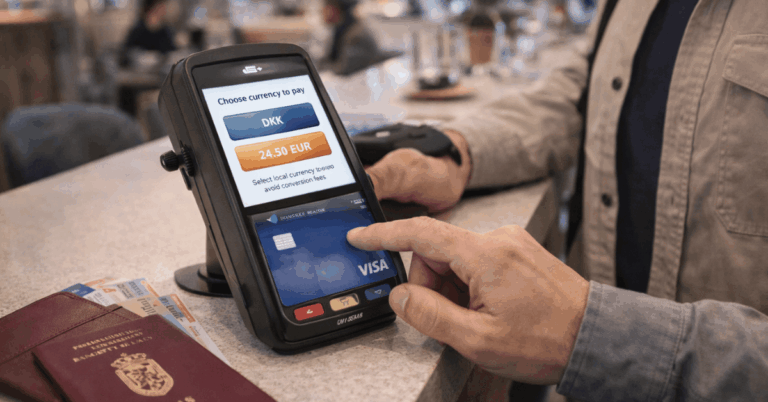
- Currency conversion charges apply on foreign transactions according to corridor: USD and GCC at 2 percent, GBP and Euro at 2.5 percent, and other currencies at 3 percent.
- Monthly statements arrive electronically at no cost for easier record-keeping.
Profit, Grace, And Repayment:
- A profit-free period of up to 45 days applies when full payment reaches the account within the due date.
- Minimum payment equals 5 percent of the outstanding amount, supporting budgeting during variable months.
- Carried balances attract a Murabaha profit rate of 1 percent monthly, calculated per the card’s terms.
Service Notes:
- Invalid dispute handling or sales voucher copies may incur defined service charges.
- Charity fees equal 2 percent of outstanding dues when payments are missed, reflecting Sharia-compliant practices on late amounts.
Summary Table Of Key Numbers:
| Item | Amount Or Policy |
| Issuance And Renewal | Free on the Digital Credit Card |
| Minimum Payment | 5% of statement balance |
| Murabaha Profit Rate | 1% monthly on carried balances |
| Profit-Free Period | Up to 45 days |
| FX Conversion | USD & GCC 2%; GBP & Euro 2.5%; Others 3% |
Rewards: Absher Loyalty Points
Absher rewards track eligible spend and can be redeemed across multiple categories inside bank channels. Domestic POS or e-commerce purchases typically earn one point for every QR 6, while international POS or e-commerce purchases typically earn one point for every QR 8.
Transactions from EEA and UK, or at specific merchant categories such as government, fuel, and auto dealers, earn 50 percent of normal points according to network and bank rules.
Points can convert to airline miles with partner programs including Qatar Airways or redeem as shopping vouchers. Utility bill redemptions, such as Ooredoo or Kahramaa, add extra practicality when trimming monthly cash outlays.
Instant Credit Card Option: Printed and Delivered
Pre-approved customers sometimes see an “Instant Credit Card” banner in the QIB Mobile App.
That route produces immediate approval, prints the physical card with the chosen name, and allows Apple Pay provisioning right away. Delivery occurs through a service center or courier, depending on preference.
Applicants who do not hold pre-approval can still apply, either against salary credits or through a secured structure by placing a lien on funds or a fixed deposit, subject to eligibility and internal criteria.
App Setup, Wallets, And Daily Controls
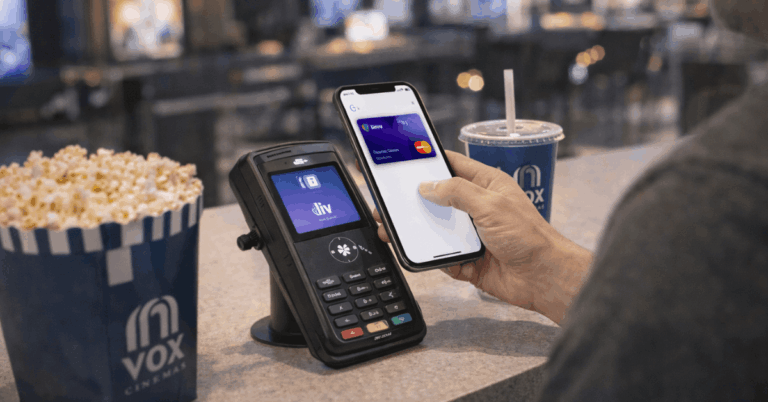
A virtual card becomes spend-ready as soon as it appears in the app. Apple Pay in Qatar, Google Pay Qatar, and Samsung Wallet support tap-to-pay at contactless terminals and in supported apps.
Card controls allow temporary locks during travel, PIN confirmation, spend alerts, and statement downloads.
Enabling biometric login preserves convenience without exposing card details, since sensitive fields remain masked and only reveal after additional verification.
Verification and Approval Timelines
Digital onboarding for new profiles usually finishes within minutes when identity documents scan clearly and the selfie matches.
Pre-approved customers often complete the entire flow inside a single session, including wallet provisioning.
Non-pre-approved applicants may see additional checks for employment and income verification, especially when a higher limit is requested. Providing accurate employer details, salary timing, and contact information keeps the timeline tight.
Responsible Use and Limit Increases
Healthy repayment behavior unlocks incremental limit reviews over time. Clearing balances within the grace period prevents Murabaha profit accrual and keeps utilization low, which helps internal risk models support higher limits.
Enabling alerts for large transactions and online purchases improves situational awareness and speeds dispute action if something looks wrong. Maintaining accurate contact details in the app ensures OTPs and statements arrive without interruption.
Troubleshooting and Quick Answers
Three or four issues appear most often during digital issuance and first-week use. A short checklist resolves most cases without branch visits.
- OTP Not Arriving: Confirm the mobile number inside profile settings, then request a new code after signal stabilizes.
- Failed Identity Scan: Clean the camera lens, place the ID on a flat surface, brighten lighting, and rescan carefully.
- Card Not Visible In Wallet: Confirm device region and OS updates, then add the card again through the app shortcut.
- Decline On First Transaction: Check available limit, verify merchant category, and confirm card status is set to active.
- Points Not Posting: Ensure Absher activation is complete, then review posting windows for domestic and international spends.
Conclusion
A Digital Credit Card Qatar path that actually takes minutes is rare, yet QIB’s app-first workflow proves it can be done cleanly.
Digital onboarding verifies identity, instant credentials appear in the QIB Mobile App, and wallet provisioning bridges online and in-store payments without waiting for plastic.
Clear fees, a defined grace period, and functional Absher redemptions keep the product practical for daily spending, regional travel, and recurring bills.