In Denmark, search intent often points to a Danske Bank Visa Credit Card, although consumer Visa credit lines at Danske are mostly offered under Mastercard branding and the domestic Visa product is Visa/Dankort, a debit card co-branded for international acceptance.
For everyday payments in Denmark and card use abroad, the Visa/Dankort covers the same core scenarios most people expect when they look for a “Visa credit card,” while true revolving credit at Danske typically sits under Mastercard tiers.
As of 2025, this guide focuses on applying for Visa/Dankort and explains when a Mastercard credit alternative makes more sense.
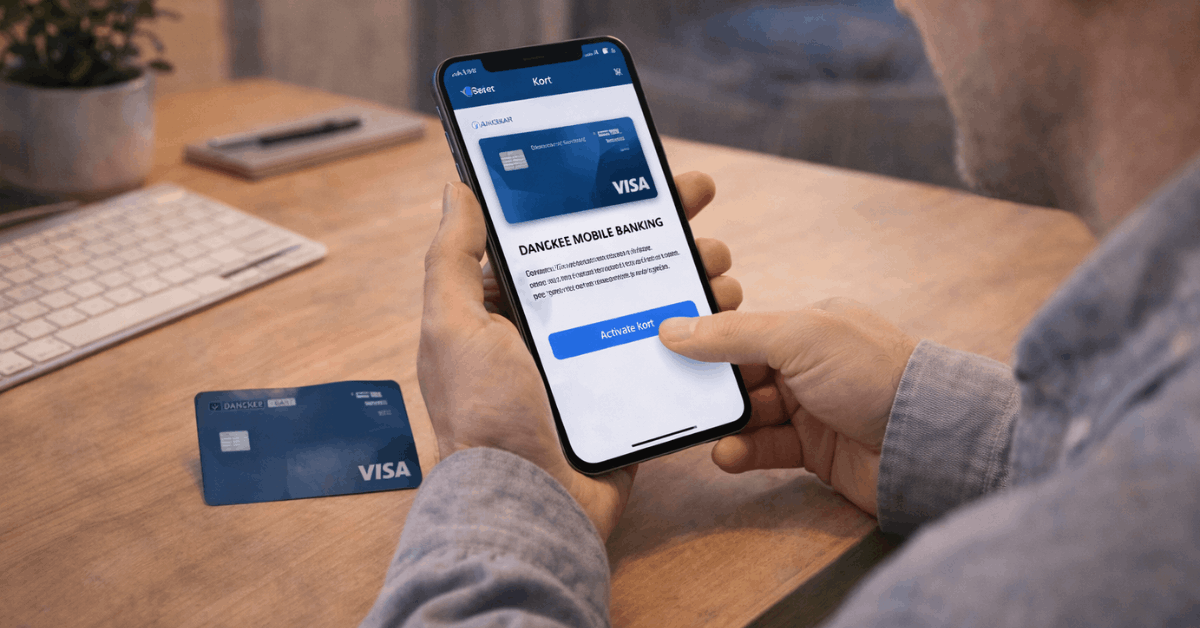
What Visa/Dankort Is
Visa/Dankort is Denmark’s standard co-branded debit card that processes domestic transactions on the Dankort network and routes international or non-Dankort payments via Visa.
Purchases debit your linked account, usually the same day, which helps control spending and simplifies reconciliation in Danske eBanking.
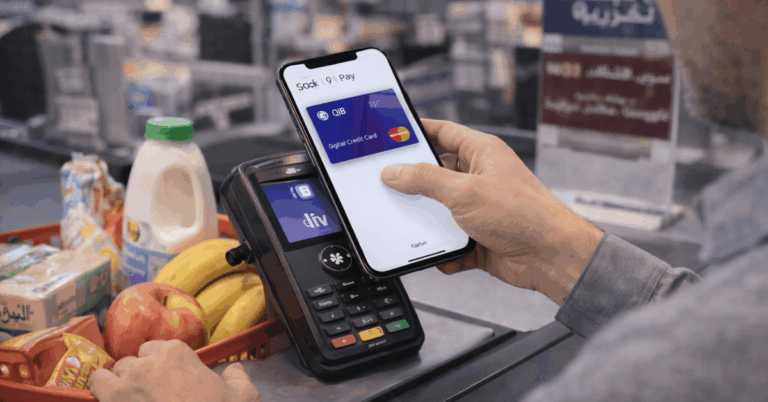
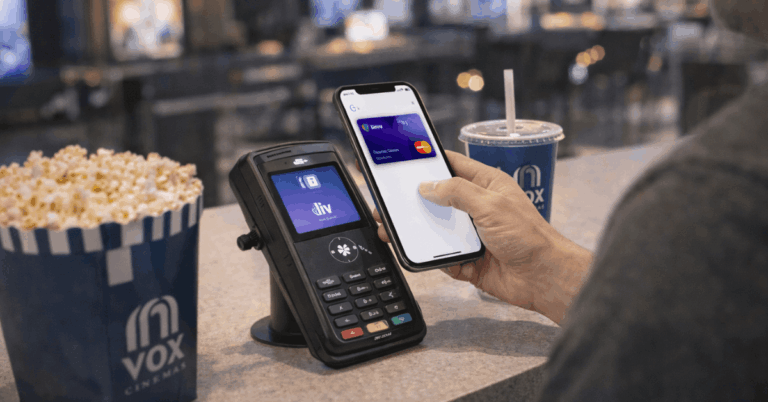
Global reach remains broad because the Visa side of the card is accepted wherever Visa works, and the Dankort side remains the default at Danish merchants that prefer it. Support for Apple Pay includes the Dankort side, which keeps mobile tap-to-pay smooth inside Denmark.
Eligibility And Documents
Applying goes faster when identity, residency, and income evidence line up cleanly. Danish residents generally qualify more easily, although documented non-resident cases can be reviewed.
Expect a standard affordability review for credit products; for Visa/Dankort, the focus is account relationship, identity, and known income inflows.
Age and Residency Rules
Standard issuance expects applicants aged 18 or older. Some under-18 cases can proceed subject to guardian consent and account setup rules.
Residency in Denmark is typically required for Visa/Dankort, because local rails and consumer protections apply most directly to residents.
Non-residents can face added verification and longer processing windows, especially if identity or address documentation originates outside the EU.
Income and Credit Requirements
A regular income stream supports account activity and card limits on Danske products.
For debit, banks still assess stability and compliance risks; for credit cards, underwriters also evaluate bureau files, prior borrowing, and existing debt obligations to meet Danish and EU affordability rules.
If a revolving credit line is the primary need, consider Danske’s Mastercard Gold or Platinum after establishing a stable account history.
Documents Checklist
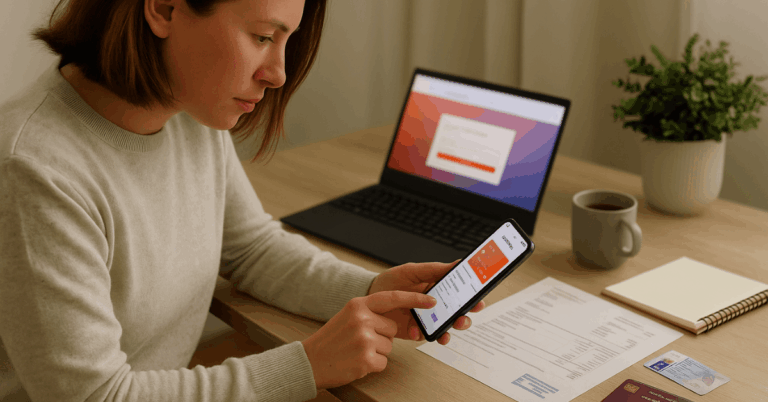
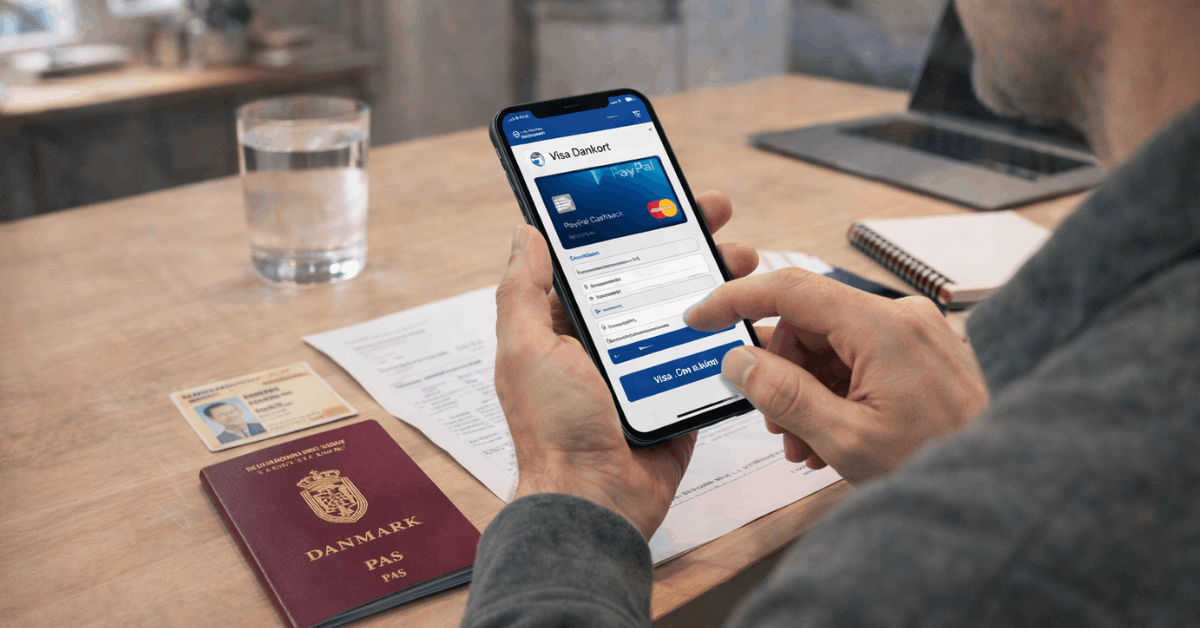
Bring a valid passport or national ID, plus proof of residence such as a recent utility bill or bank statement dated within the last three months.
Payslips or tax returns demonstrate income; self-employed applicants should add recent accounts or tax assessments. Mismatched name formats or outdated addresses frequently trigger re-verification and delay decisions.
How To Apply Step By Step
Strong applications avoid typos, stale documents, and missing fields. Finish the flow in one sitting if possible and keep scans crisp and legible.
- Start in Danske eBanking or Danske Mobile Banking, then open Cards and select Visa/Dankort for a debit option or switch to a Mastercard tier if revolving credit is required.
- Review pricing and limits, confirm the account to link, and set a PIN that isn’t reused elsewhere.
- Complete the online form carefully, matching names and addresses to your ID and recent statements.
- Upload ID, income evidence, and proof of residence, ensuring all pages and signatures are readable.
- Submit the application, monitor status alerts, and complete card activation immediately after delivery.
Interest, Fees, and Limits
Debit cards don’t accrue purchase interest because spend hits the account balance. International usage can include currency conversion spread and foreign charge handling, which are explained through EU transparency rules and bank calculators.
Current Interest Rates
Visa/Dankort is a debit instrument; purchases settle to the linked account and do not revolve, so interest on purchases does not apply.
Interest can appear only in edge cases such as overdraft usage on the underlying account, which follows separate account terms.
For revolving credit needs such as installment planning, switch to a Mastercard credit tier where interest, grace periods, and charge schedules are clearly disclosed at application.
Annual Fees and Other Charges
Issuance and ongoing fees depend on your account package and card type.
Core domestic purchases typically carry no per-transaction fee on the Dankort rail, while international transactions can reflect foreign transaction fees and currency conversion mark-ups.
Transparency requirements in the European Economic Area mandate clear disclosure of the costs paid when using cards in another currency within the EU and EEA.
Spending and Withdrawal Limits
Daily purchase and ATM limits apply for fraud control and cash management. In-app controls let you view limits, lock or unlock the card, and manage channels such as online use and contactless.
International acceptance rides the Visa network when Dankort isn’t supported by the merchant, so plan limits according to travel budgets and local cash needs.
Currency Conversion, ECB Rates, and Cost Calculators
Trips outside Denmark raise practical questions about exchange rates and mark-ups. EU rules and bank tools make the math more predictable in advance of a purchase or cash withdrawal.
EEA
As of December 2025, banks in the EEA must present currency conversion costs clearly for card transactions in other EEA currencies, improving comparability and reducing surprise mark-ups at the point of sale or ATM.
Danske’s Cost calculator compares a card’s estimated rate to the ECB reference rate, showing the difference in percentage and in kroner or euros, depending on your country site.
ECB publishes reference rates once per working day, typically in the late afternoon Central European Time, and notes they are for information only rather than transaction pricing.
Dynamic Currency Conversion
Dynamic Currency Conversion (DCC) at a foreign terminal offers to bill in your home currency; that convenience often embeds a higher rate than letting the card scheme convert.
U transparency requirements mean the terminal must disclose the conversion details, enabling an informed choice. If the disclosure looks unfavorable, select local currency to route conversion through the card network plus your bank’s mark-up.
App Setup and First-Time Use
After approval and physical delivery, complete card activation in Danske Mobile Banking or Danske eBanking, then view the PIN and enable alerts.
Add the card to a mobile wallet; iPhone users can enable Apple Pay and retain the Dankort side for Danish terminals that support it.
For travel, confirm online and contactless toggles, check regional usage limits, and set travel notices if prompted. Finally, test a small contactless purchase at a nearby merchant and an online transaction at a familiar site to verify both rails behave as expected
Troubleshooting
Sometimes you might encouter some issues with applying.
- Application delayed or declined: re-check name order, address, and date formats across ID, statements, and the application. Income documents must cover the latest period requested; for self-employed profiles, upload the most recent assessment and a concise income summary.
- Card not working in-store: some Danish merchants prioritize Dankort; if the terminal gives a choice, select Visa for international routing where needed. Contactless failures after several consecutive taps can require a chip-and-PIN reset for security, so run one chip transaction to restore contactless.
- Unexpected foreign fee: verify whether the merchant or ATM applied DCC. If the receipt shows a home-currency conversion you didn’t want, raise the point with the merchant immediately and file a dispute in the app if unresolved.
- Wrong PIN or lockout: retrieve PIN in the app, wait out any security lock, then try again at a chip terminal. Repeated failures can permanently block the chip and require replacement.
- Replacements and extra cards: use Danske Mobile Banking to order a replacement for worn, damaged, or blocked cards, or to request an additional card for the same account. Follow the in-app flow, sign digitally, and track delivery status inside the Cards menu.
Conclusion
Applying for Visa/Dankort at Danske is a clean digital flow once identity, address, and income paperwork are aligned. Daily domestic use rides the Dankort rail, while international purchases route over Visa for broad acceptance.
Currency conversion transparency has improved across the EEA, and bank calculators benchmark estimates against ECB’s public reference rates to set expectations.
For those who specifically need revolving credit and travel insurance perks, a Mastercard credit tier at Danske is the practical upgrade path.